Yes Device Manager

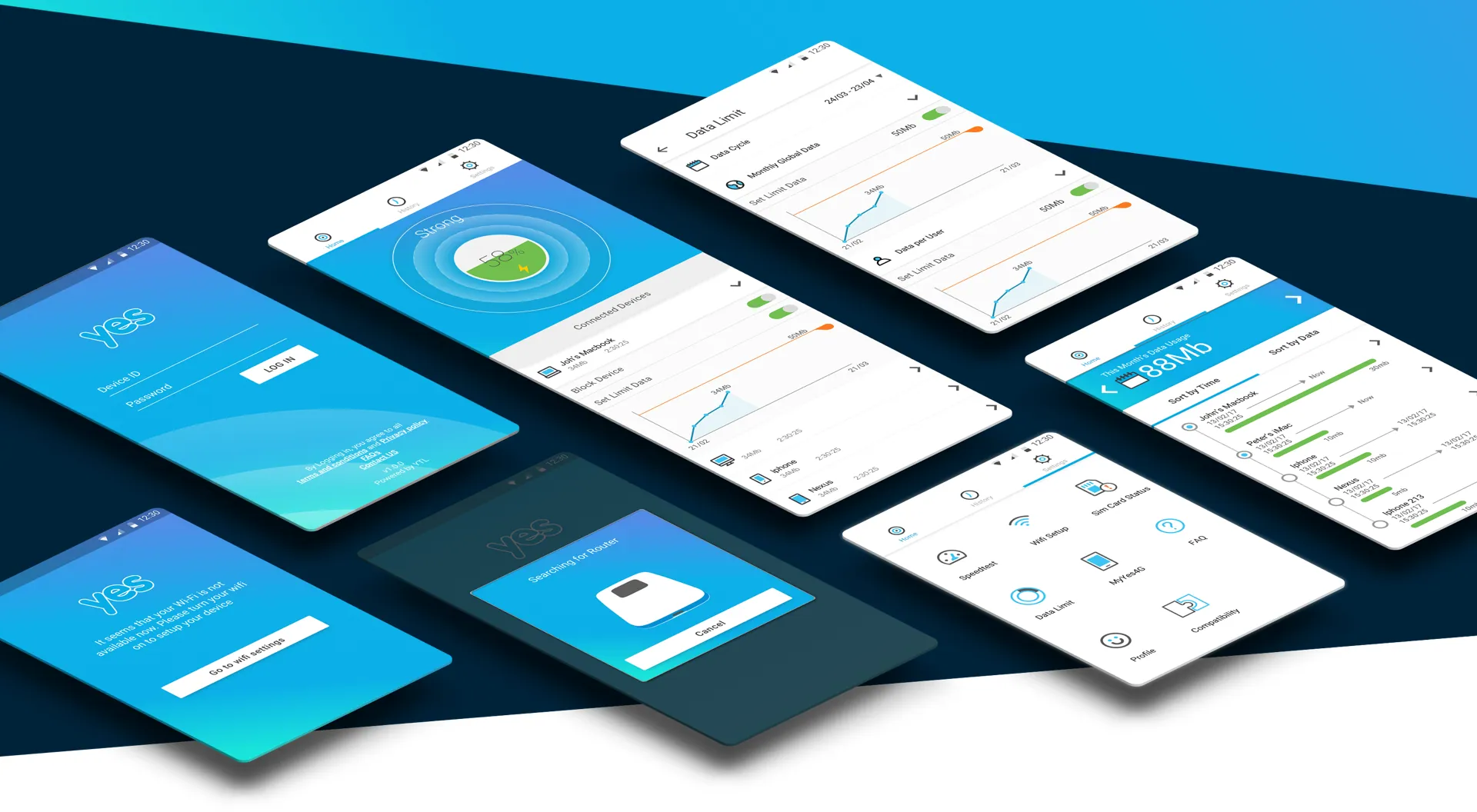
The app has to control a internet dongle, giving users the ability to view users who connect to the device and control access. the objective of the project was to create e recognisable and consistent UI across the app.

Objective

I wanted to create an interactive experience to the user and at the same time give a quick overview of all the settings of the device.

The main info to be displayed was the signals of the dongle, both from the dongle to the app and from the tower to the dongle. Battery life was also important, so that was on top of the dashboard

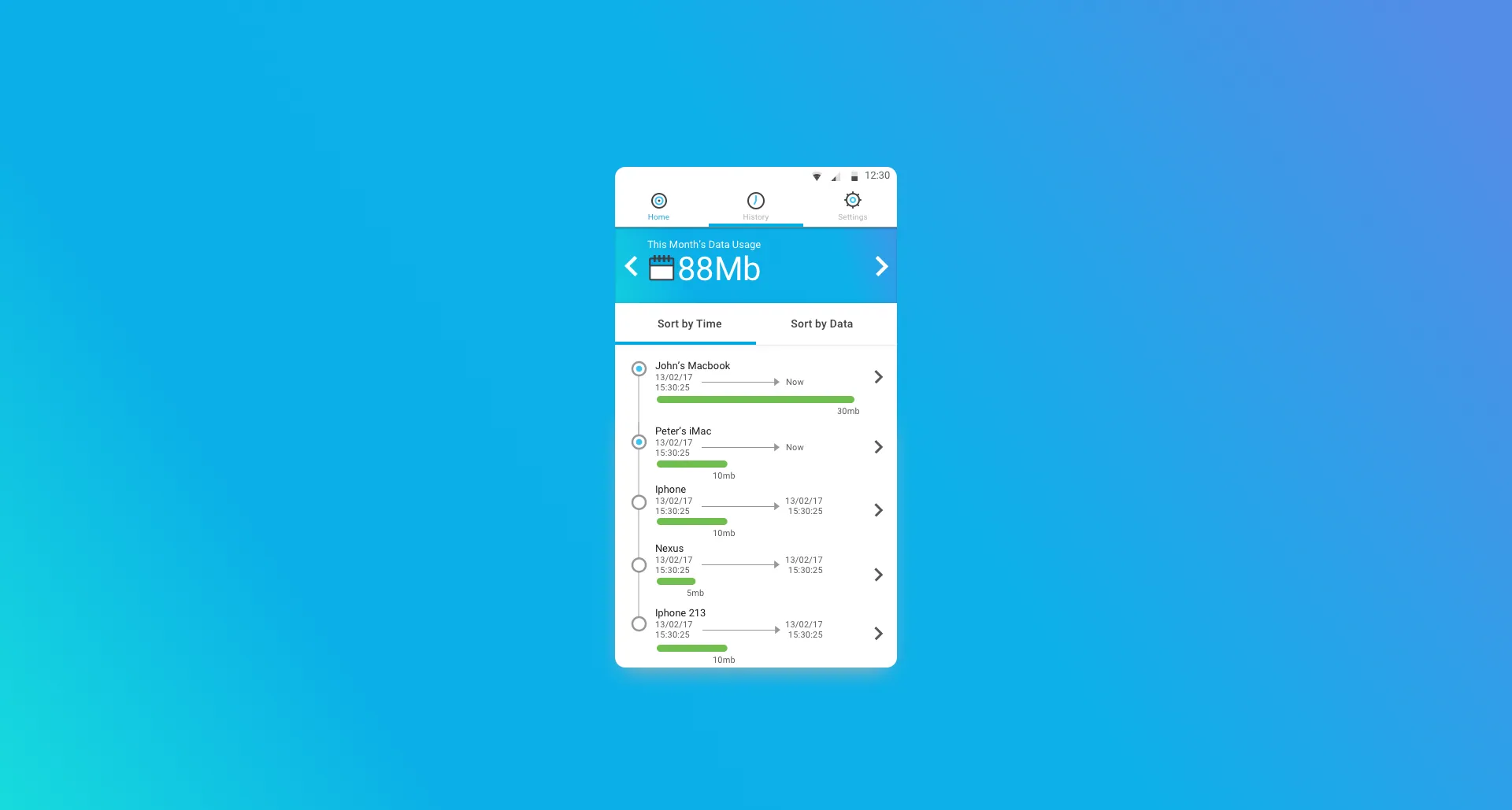
The secondary focus was the devices that would connect to the dongle and the restrictions

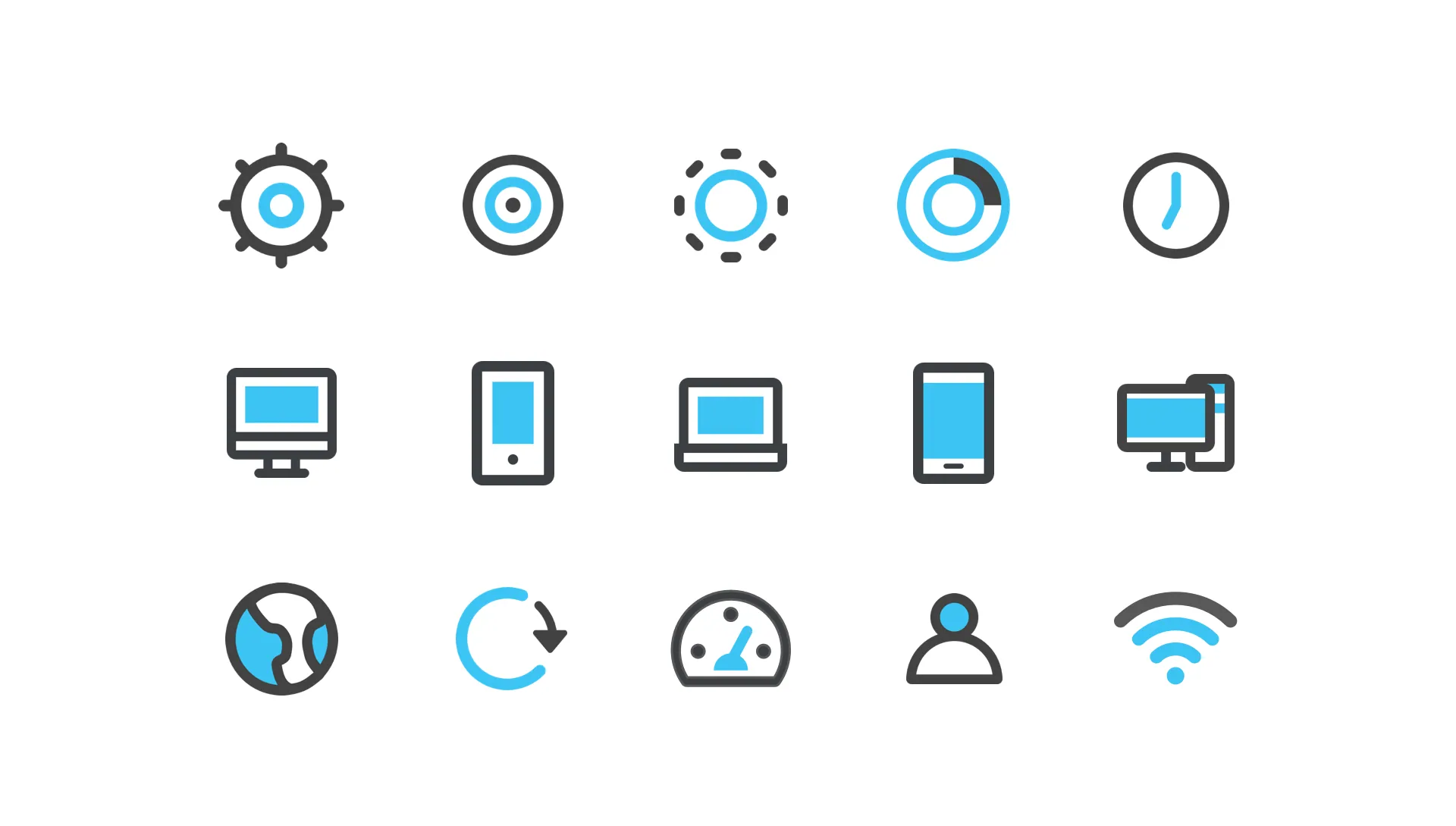
In addition to UX I have came up with animations to display statuses and a set of icons.

Looping loading animation used while the app searches for and connects to the router
Yes Device Manager history screen listing connected devices — John's Macbook, Peter's iMac, iPhone, Nexus, iPhone 213 — each with a timestamp and a data-used bar
Eight Yes Device Manager screens shown at an angle: login, wifi setup, router search, signal strength dashboard, connected devices, data limit graphs, settings menu and history
Custom icon set: settings, target, dashed ring, donut chart, clock, desktop, phone, laptop, mobile, dual devices, globe, refresh, speedometer, profile and wifi icons